
Identify who you're trying to solve the problem for and what you want the user to be able to do with the app
Mobile App Development in Gandhinagar
App Development Company in Gandhinagar
The first thing any useful app has to do is serve a purpose — something that makes a user want to return to it. For businesses, this could mean facilitating bookings, making it easier for customers to order, or bringing together important information. For a startup, it could mean turning an idea into a mobile application that delivers on a specific goal. That's what Mayankal helps small businesses and startups in Gandhinagar do — plan, design, build and launch mobile applications that solve a real purpose for your business.

01Your business goal
Start With the Business Goal
There isn't a single application that's a good fit for all types of businesses. The needs of a retail store could be to provide a product browsing experience and ordering for repeat customers. A service business might want customers to request appointments and receive reminders. A startup could benefit by delivering a smaller product that helps deliver on a core idea. In order to build a good application, it's important to start by thinking about the end-user and what you want that user to do. If the app delivers on a specific need, it will be a better product than a laundry list of features that don't add real value.
- Build customer-facing apps for browsing, enquiries, bookings, repeat orders, etc.
- Startups can create a product focused on a specific use case
- Internal products can help create workflow
02What we build
Scope the Product Around the Work
We can help businesses plan out customer-facing mobile applications, internal tools, and applications designed to bring the business and their users together. This could include creating the mobile interface along with a backend, administrative features, and integrations as needed. The important thing is that each element of the product should serve a purpose and be designed with the business in mind. If you aren't sure about what's needed, we can work together to discuss your workflow and how best it can be accomplished.
- An internal product can help bring together your team in a specific workflow
- Can include building the backend, admin, and other features needed
03A focused launch
Choose a Focused First Release
When you're launching your app for the first time, it's important that it deliver on the key purpose of the app — solving the most important problem for your business. Having a conversation about your app helps us focus on the key features you want and what can wait for a future release. By doing this, we can better understand the key user and what you want them to do with the app, helping us build something small that delivers on a core purpose.
Focus on identifying what's essential to include in the first release and what can wait for future releases
The first release doesn't have to be big, so long as it focuses on a key purpose
04Early feedback
Learn From Early Users
Getting focused feedback from early users is valuable. When we are clear about what the user has to do with the first version and they find it difficult, we can make the required changes before adding more functionality. This is useful for startups learning from their first users and for established businesses that don't want to change all their workflows simultaneously. We can look at the customer journey, account roles, notifications, payments, and other integration points in detail, ending with a plan that even a non-technical stakeholder can review.
- Map the main journey of the user from opening the app to completing the action
- Leave room for making changes based on user feedback
- Review user feedback after launch to decide on the next feature
05Practical use cases
Use Cases for Customers and Teams
We look at how the app will be used by the customer and the team. If it is a booking app, we ensure that the services are listed and the customer journey is clear. If it is an ordering app, we make sure that the customer can discover products and complete the ordering process easily. If it is an app for the team, we make sure that the relevant information is accessible and updated. Every app will have its own unique use case based on the customer, business and technology involved.
Booking and service journey
Product discovery and ordering journey
Internal information and actions for the team
06Connected operations
Connect the App to Daily Operations
In this step, we try to understand what happens before and after the customer uses the app. Does the customer need a confirmation when they make an action on the app? Do we need to update something on the dashboard or notify a team member? Thinking through the related actions around the app can help us avoid a situation where we have a good looking app but not a good workflow. This is particularly relevant for a startup, as it will help you decide what assumptions you need to test with users.
- Workflows for the team with necessary information to perform their roles
- Startup product ideas that can be tested with a user problem in mind
07Our process
Discovery and Experience Design
While the steps may differ for each project, the best way to build an app is by following a structure where each step answers an important question. We begin by discussing the user, the problem, and the scope. Based on that discussion, we move into the design phase where we design the various screens and journeys. After we have a design we are happy with, we move on to building and testing the app to make sure that the main journeys work across all devices.
Discovery and scope in accordance with the business goal
Design of various screens and journeys within the app
Development with feedback on working features
08From build to launch
Development, Testing and Launch
Getting an app ready to launch means putting the necessary steps in place to release it to your first users. At this stage we keep your business involved with key decision points. Requirements often become clearer once you have something working that enables a flow. Feedback at this point is always better than a surprise after the app has been completed. A clear process ensures you know exactly what is being developed and the reasons why.

- Testing of key user journeys prior to release
- Preparing for launch and supporting the next iteration of the app
09User experience
Design an App People Can Understand
A mobile app can have the most useful features but still be hard to use. We design apps to be simple to use and to guide users through the process. By designing around the user journey, the app can be easily navigated and users can understand their options and next steps. Many users will be using your app for the first time and may not understand the process your business requires. Users may be on a small screen while on the go, so a positive experience matters. Getting early feedback gives founders and owners a valuable chance to refine the app before committing to development.
Simple navigation for key tasks that users wish to complete
Forms and actions clearly describe the next step
Consistent layouts for related screens and user journeys
App should be designed to improve user experience with future iterations
10Platform choice
Choose Android, iOS or Both
The choice of technology should always be based on the requirements of the product being built. Your app may need to run on Android only, iPhone only, or both. We can discuss the option of a cross-platform app if it suits your product and goals, or build a specific version for Android or iOS if your product relies on device-specific features or other technical considerations. We can explain all options in simple terms and discuss the pros and cons to consider for future updates and maintenance.
Android app, iPhone app, or both, based on requirements and audience
Cross-platform or native app development to suit scope
Take into account future maintenance when deciding how to build
11Behind the app
Plan the Backend and Integrations
Your app might need an API, a database, or an administration area that the business can use to control content and other app operations. Rather than choosing a framework simply because it is currently popular, we think about who will be using the app and what it will need to do. We will also discuss any existing systems the app will need to work with, and any future plans the business has for the app.
- The app's backend needs and admin area are considered alongside the app
- Integrations are chosen for a specific business or user purpose
- Admin tools are chosen to match how the business works
12After launch
Keep Improving After Launch
Once the app is released, the work is not finished. You may find that some parts of the app are confusing for real users, or that a particular feature is more important than expected. Mayankal supports clients after launch so the business can make necessary changes in response to real feedback. We identify which user journeys are completed and which are abandoned, then plan improvements whilst keeping the original goal in mind. This is especially valuable for startups planning their next release and for established businesses understanding how the app fits their overall operations.
- Listen to feedback from initial users and the internal team
- Deal with any issues that affect key journeys
- Prioritise improvements based on their value to users
- Plan new features as the product and business mature
MAYANKAL INSIGHTS
Explore related reading
FROM THE BLOG
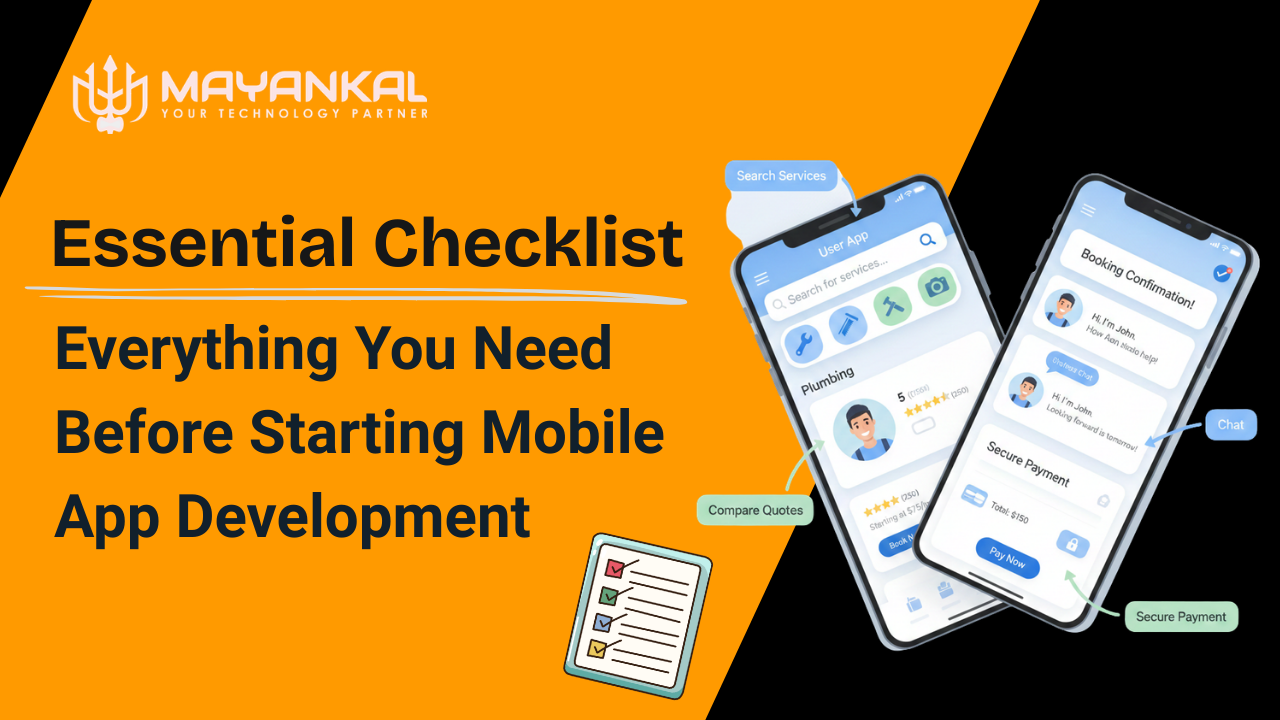
Essential Checklist: Everything You Need Before Starting Mobile App Development
Read article
COMMON QUESTIONS
Frequently asked questions
Can Mayankal help if I only have an app idea?
Yes — an idea is a good place to start. We can discuss who the app is for, what problem you want it to solve, and what users will be able to do with it. We can then help you plan the scope and design direction before you go ahead and build.
Should I build for Android, iOS or both?
This depends on your target audience and the features you intend to include. We can discuss building for Android, iOS, or both, and talk through a cross-platform approach versus a platform-specific build. The product requirements should drive the decision rather than any current trend.
What should be included in the first version of my app?
The first version should include the features needed to complete a journey that users will find useful — such as accounts, content, payments or notifications — but only where the primary user journey depends on them. Start with the minimum required so you can learn from real users before expanding.
Will I be involved during design and development?
Yes, your involvement is important because you know your business best. We review journeys and working features with you throughout the process to stay aligned on requirements. We make sure you understand each decision and can provide feedback without needing a technical background.
What happens after the app is launched?
After launch, we focus on understanding how real users interact with the app and fixing anything that prevents them from completing key tasks. User feedback then informs improvements and new features. Mayankal continues working with clients after launch so the app keeps improving as you learn more about your users.
LET'S BUILD WHAT'S NEXT
Ready to Discuss Your App Idea?
We'd love to hear about the tasks you want to get people to complete with your app. We can talk about how to get there, starting with your target audience, the first version of your app, and the steps to take from design to launch. Contact Mayankal to discuss your Gandhinagar app project with us.
Talk to our team